Security events
Important account changes and rejected authentication attempts are stored in the database. This gives operators records to investigate, separately from the account change emails sent to users.
Recorded events
Section titled “Recorded events”Events use the log name security. Their result is either success or failure.
Successful operations
Section titled “Successful operations”| Event | Operation |
|---|---|
email.changed |
Email address change |
password.changed |
Password change from settings |
password.reset |
Completed password reset |
mfa.enabled |
Two-factor authentication enabled |
mfa.disabled |
Two-factor authentication disabled |
mfa.recovery_codes.regenerated |
Recovery codes generated or regenerated |
passkey.created |
Passkey added |
passkey.deleted |
Passkey deleted |
account.deleted |
Account deleted |
When two-factor setup requires a confirmation code, mfa.enabled is recorded only after successful confirmation. For mfa.disabled, properties.was_active indicates whether it was active before removal.
Rejected operations
Section titled “Rejected operations”| Event | Failure |
|---|---|
login.failed |
Email and password login rejected |
mfa.failed |
Incorrect two-factor or recovery code during login |
email.change_failed |
Current password validation failed during an email change |
password.change_failed |
Current password validation failed during a password change |
password.reset_failed |
Password reset rejected, such as for an invalid token |
account.delete_failed |
Password validation failed during account deletion |
This is not a record of every HTTP error. A mismatched new-password confirmation or a request rejected before processing by a rate limit is different from these authentication failures. This implementation does not record session revocation or failed passkey authentication as security events.
Stored information
Section titled “Stored information”Each record includes the event, result, subject user ID, acting user ID, timestamp, and event-specific properties. IDs can be null when a subject or actor cannot be identified. For example, a failed login for an unknown address has no subject user.
Properties can include a passkey ID (passkey_id), the two-factor method (method: totp or recovery_code), or a reset failure reason (reason). Account deletion preserves the deleted user’s ID in properties.user_id.
Passwords, authentication codes, reset tokens, and raw submitted values such as email addresses or passkey names are not passed to this logging action. IP addresses and User-Agent values are not automatically added to this log. Investigations that need the source address must use separately configured access logs or other evidence.
Logging failures are reported and do not stop the original operation. The absence of a record alone does not prove that an operation did not happen.
Access control and JSON endpoint
Section titled “Access control and JSON endpoint”Configuring viewers
Section titled “Configuring viewers”Set a comma-separated list of permitted users’ email addresses in .env.
AUDIT_SECURITY_VIEWERS=test@example.comRebuild cached configuration after changes.
php artisan config:cacheViewing requires a signed-in user with a verified email address on the allowlist. Matching is case-insensitive. An empty list allows nobody to view the events.
The view-security-events Gate in app/Providers/AppServiceProvider.php contains this check. Change that Gate if the application needs role-based access instead.
Retrieving JSON
Section titled “Retrieving JSON”Sign in as an allowed user and open /admin/security-events. It returns read-only JSON. There is no built-in administration screen or API token authentication for this endpoint.
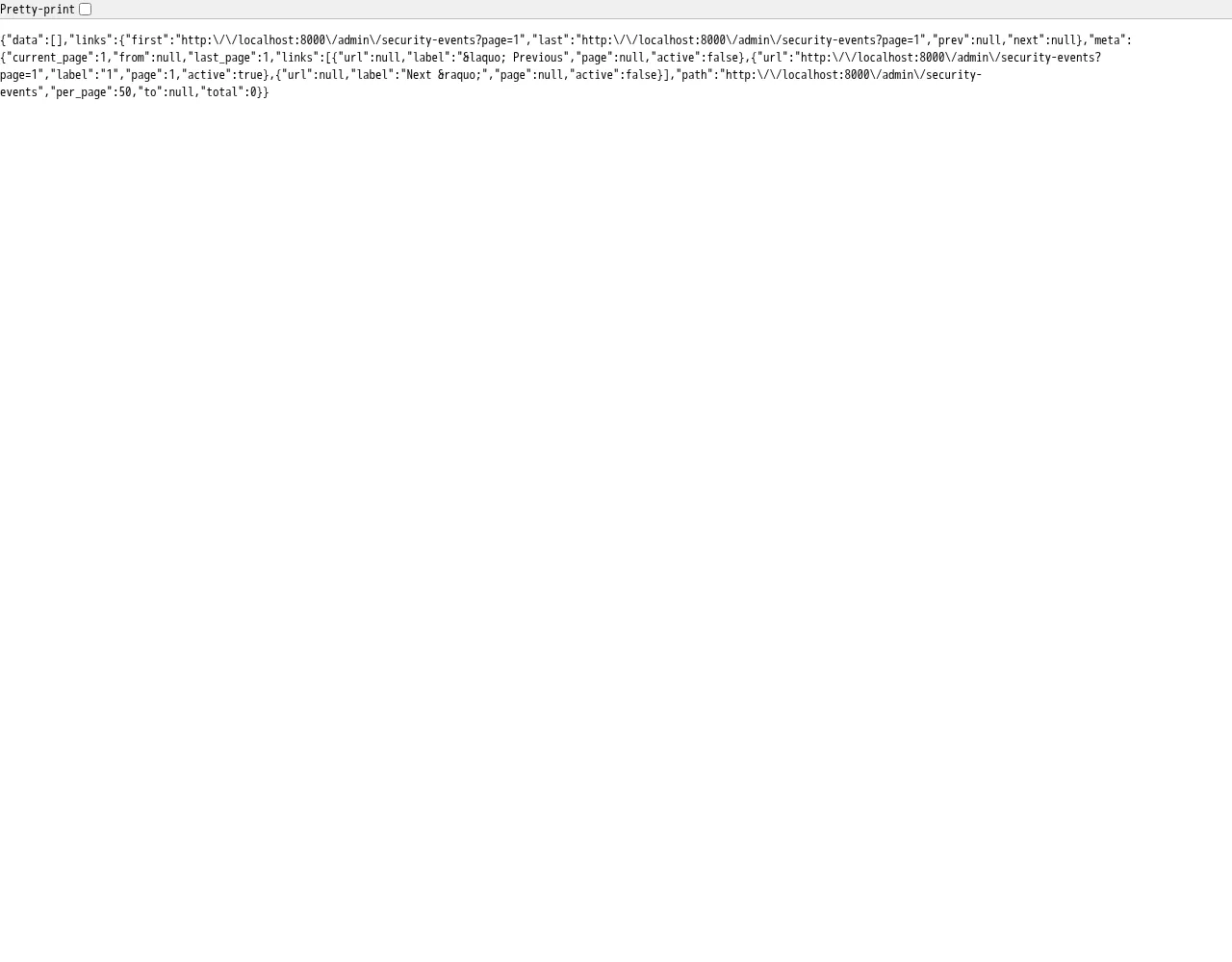
The screenshot was taken after allowing the verified test@example.com account and receiving HTTP 200. There were no events at capture time, so data is empty and meta.total is 0.
GET /admin/security-eventsGET /admin/security-events?result=failureGET /admin/security-events?event=password.changedGET /admin/security-events?result=failure&event=login.failed&page=2Results are ordered by descending ID, with 50 records per page. Filter result by success or failure, or event by an exact event name of up to 100 characters. Filters can be combined.
The response contains records in data and pagination information in links and meta.
| Field | Meaning |
|---|---|
id |
Log record ID |
event |
Event name |
result |
success or failure |
subject_id |
Subject user ID, or null when unavailable |
causer_id |
Acting user ID, or null, for example for unauthenticated operations |
properties |
Result and event-specific properties |
created_at |
Record timestamp in ISO 8601 format |
Example record
Section titled “Example record”The following is an illustrative record from the data array, not an actual production record or a screenshot of captured data. IDs and timestamps are fictional. A successful password change includes result in both the top-level field and properties.
{ "id": 123, "event": "password.changed", "result": "success", "subject_id": 42, "causer_id": 42, "properties": { "result": "success" }, "created_at": "2026-11-09T00:00:00.000000Z"}A signed-in user without viewing permission receives HTTP 403. Requests to add, update, or delete records through this endpoint are not accepted.
Retention and cleanup
Section titled “Retention and cleanup”Setting the retention period
Section titled “Setting the retention period”Security events are retained for 365 days by default. Configure the period in .env.
AUDIT_SECURITY_RETENTION_DAYS=365This sets retention_days.security in config/audit.php. Run php artisan config:cache after changes if configuration is cached.
Use an integer of at least 1. Invalid values prevent cleanup for that log from being scheduled and report a configuration error. 0 does not mean immediate deletion.
Running scheduled cleanup
Section titled “Running scheduled cleanup”routes/console.php schedules expired-record cleanup once per day. The Laravel scheduler must actually run in the deployment environment; configuration alone does not delete records.
For example, call the scheduler every minute from cron, adjusting the path to the deployed application.
* * * * * cd /path/to/app && php artisan schedule:run >> /dev/null 2>&1Inspect scheduled tasks with php artisan schedule:list. For continuous local execution, use php artisan schedule:work.
Manual cleanup
Section titled “Manual cleanup”The following deletes records in the security log whose timestamps are more than 365 days old. Check the log name and period before running it.
php artisan activitylog:clean security --days=365Add --force to skip production confirmation. Scheduled cleanup includes the configured log, period, and --force. A manual --days value determines its own deletion range and can be shorter than the configured retention period.